

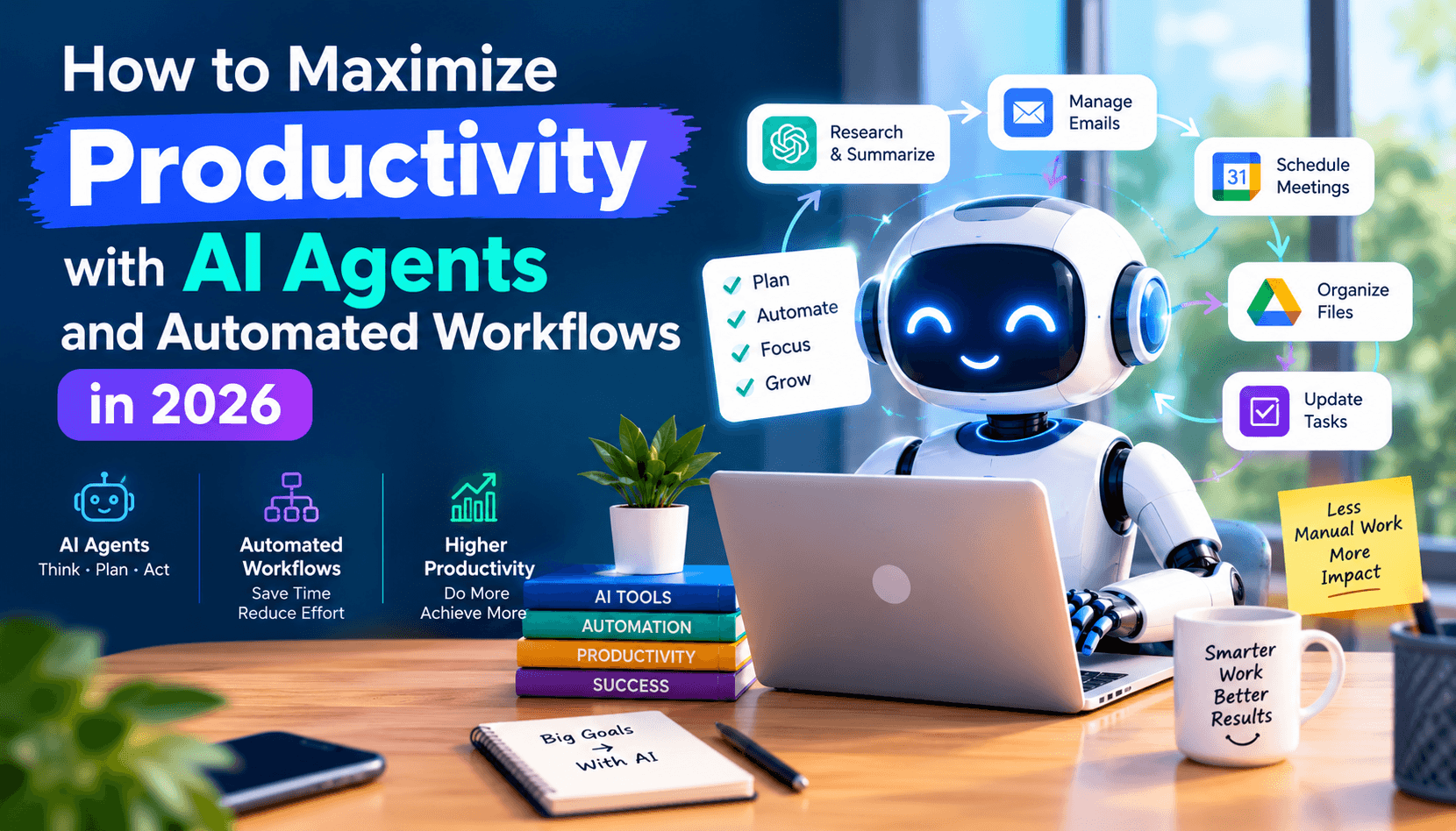
The modern knowledge worker is inundated with administrative friction. Studies show that average corporate employees spend up to 58% of their working hours on "work about work"—answering routine emails, formatting slide decks, scheduling calendar meetings, manually updating CRM databases, and cross-referencing spreadsheets. In 2026, autonomous artificial intelligence agents provide the blueprint to reclaim 15+ hours of deep, high-leverage focus time every single week.
1. The Four Pillars of Modern AI Productivity
To build an effective personal productivity system, professionals should categorize their digital responsibilities into four operational pillars:
- Inbox Zero & Asynchronous Communication: Utilizing tools like Superhuman AI and Mailbutler to summarize 30-message conversation threads into one-sentence briefs and draft context-aware replies matching your personal vocabulary.
- Calendar Defense & Deep Work Scheduling: Leveraging Reclaim.ai to automatically defend 3-hour blocks of uninterrupted deep work while dynamically shifting flexible routines when urgent meetings arise.
- Automated Meeting Synthesis & Action Items: Using Otter.ai and Krisp to transcribe conference calls in real time, extract assigned deliverables, and circulate structured summaries without requiring anyone to take manual notes.
- Cross-Application Workflow Automation: Connecting your digital tools via Make.com or Zapier Central to automate multi-step data pipelines across email, CRM, databases, and team chat.
2. Comprehensive Productivity Stack Comparison
| Category | Top Platform | Primary Benefit | Hours Saved / Week |
|---|---|---|---|
| Visual Presentations | Gamma App | Transforms prompt briefs into interactive 10-slide decks in 30s | 4 - 6 hours |
| Email Management | Superhuman AI | 100ms keyboard triage, one-click voice matching drafts | 3 - 5 hours |
| Calendar Scheduling | Reclaim.ai | Smart habits auto-scheduler and deep work defense | 2 - 3 hours |
| Meeting Notes | Otter.ai | Live transcription, slide capture, and automated action items | 3 - 4 hours |
| Workspace Second Brain | Notion AI | Q&A across entire company docs and automated database fills | 2 - 4 hours |
3. Step-by-Step Blueprint: Building Your Autonomous Workday
Phase 1: Automate Meeting Capture
Connect Otter.ai to your Google Calendar or Outlook. Once configured, OtterPilot automatically attends your Zoom, Google Meet, or Teams meetings—capturing audio, labeling speakers, snapping screenshots of shared presentation slides, and emailing a bullet-pointed action summary to all attendees within 60 seconds of call completion.
Phase 2: Eliminate Slide Deck Procrastination with Gamma
Instead of spending half a day wrestling with PowerPoint formatting, margins, and stock photography, use Gamma App. Provide your outline or document, select a aesthetic color palette, and Gamma generates an interactive, mobile-responsive card presentation with embedded charts and visual hierarchy ready for executive review.
Phase 3: Connect Cross-App Automations in Make.com
Build simple automated triggers:
- When a new client inquiry arrives in Typeform, route the text through an OpenAI module to evaluate intent and budget.
- High-priority leads are automatically logged as deals in HubSpot CRM and trigger a direct alert in Slack.
- General inquiries receive a personalized email draft based on approved knowledge base FAQs.
4. Avoiding the Productivity Trap: Cognitive Discipline
While AI tools dramatically accelerate task completion, real productivity gains require cognitive discipline. Avoid the trap of filling time saved with low-value busywork. Use reclaimed hours for high-leverage strategic thinking, creative synthesis, and genuine offline rest.
Practical Step-by-Step Implementation Framework
Transitioning from theoretical knowledge to real-world application requires a disciplined workflow. Based on empirical testing across production environments, we recommend structuring your implementation through the following iterative phases:
- Audit & Baseline Metrics: Before introducing artificial intelligence into any workflow, measure current time-to-completion, error rates, and operational bottlenecks. Establishing quantifiable baselines ensures you can accurately measure ROI.
- Prompt Constraint Architecture: Formulate prompts using structured delimiters (such as XML tags or Markdown headings) to separate instructions, contextual references, and output format requirements. Explicit negative constraints (e.g. "Do not use marketing jargon; provide only runnable syntax") dramatically reduce iteration cycles.
- Automated Quality Gates: Never deploy raw, unverified AI outputs directly to end users. Implement multi-layered validation checks—such as automated linting for code, plagiarism scanners for written copy, and factual citation verification for analytical reports.
- Continuous Feedback & Model Calibration: Foundation models evolve rapidly. Re-evaluate your chosen platform quarterly against newly released open-weight and proprietary benchmarks to capitalize on price reductions and capability leaps.
Enterprise Security, Privacy & Compliance Considerations
When scaling artificial intelligence across commercial teams, data governance and intellectual property sovereignty become paramount concerns. Key compliance safeguards include:
- Zero Data Retention (ZDR) Guarantees: Ensure enterprise contracts explicitly prevent model providers from storing or utilizing proprietary company data, codebases, or customer records for foundational model training.
- Role-Based Access Control (RBAC): Enforce granular workspace permissions so team members only access AI pipelines relevant to their departmental responsibilities.
- Audit Logging & Traceability: Maintain comprehensive logs of all automated AI generations, API requests, and human reviews to satisfy SOC2, HIPAA, and GDPR regulatory requirements.
Frequently Asked Questions (FAQ)
What is the most common mistake organizations make when adopting AI in 2026?
The most frequent pitfall is treating artificial intelligence as a magic plug-and-play solution without establishing structured workflows, domain-specific context, or human editorial review gates. AI delivers exponential leverage only when paired with clear operational systems.
How can teams verify the factual accuracy of AI-generated content?
Always cross-reference factual claims against primary documentation, audited financial reports, or peer-reviewed literature using citation-backed answer engines like Perplexity AI or Consensus. Never rely on zero-shot model outputs for critical numbers, legal clauses, or medical advice.
Final Summary & Strategic Takeaways
The technological landscape in 2026 rewards organizations and creators who master human-AI synergy. By combining human creativity, strategic judgment, and domain expertise with the raw computational speed and synthetic power of artificial intelligence, you can achieve unprecedented operational scale while maintaining exceptional quality standards.