

The Chronic Epidemic of Executive Email Overload
For modern professionals, executives, and knowledge workers, electronic mail remains both the indispensable backbone of digital commerce and the single greatest drain on cognitive energy. Studies in 2026 reveal that the average corporate manager spends between 2.8 and 3.5 hours every day reading, triaging, drafting, and organizing emails. A staggering 65% of those messages are non-urgent newsletters, cold sales pitches, administrative notifications, or rambling circular threads with no actionable next steps.
The concept of "Inbox Zero"—first popularized by Merlin Mann decades ago—was traditionally an elusive state of mind achieved only through ruthless manual tagging, aggressive unsubscribing, and obsessive weekend archiving. In 2026, artificial intelligence has redefined Inbox Zero from a manual discipline into an automated reality.
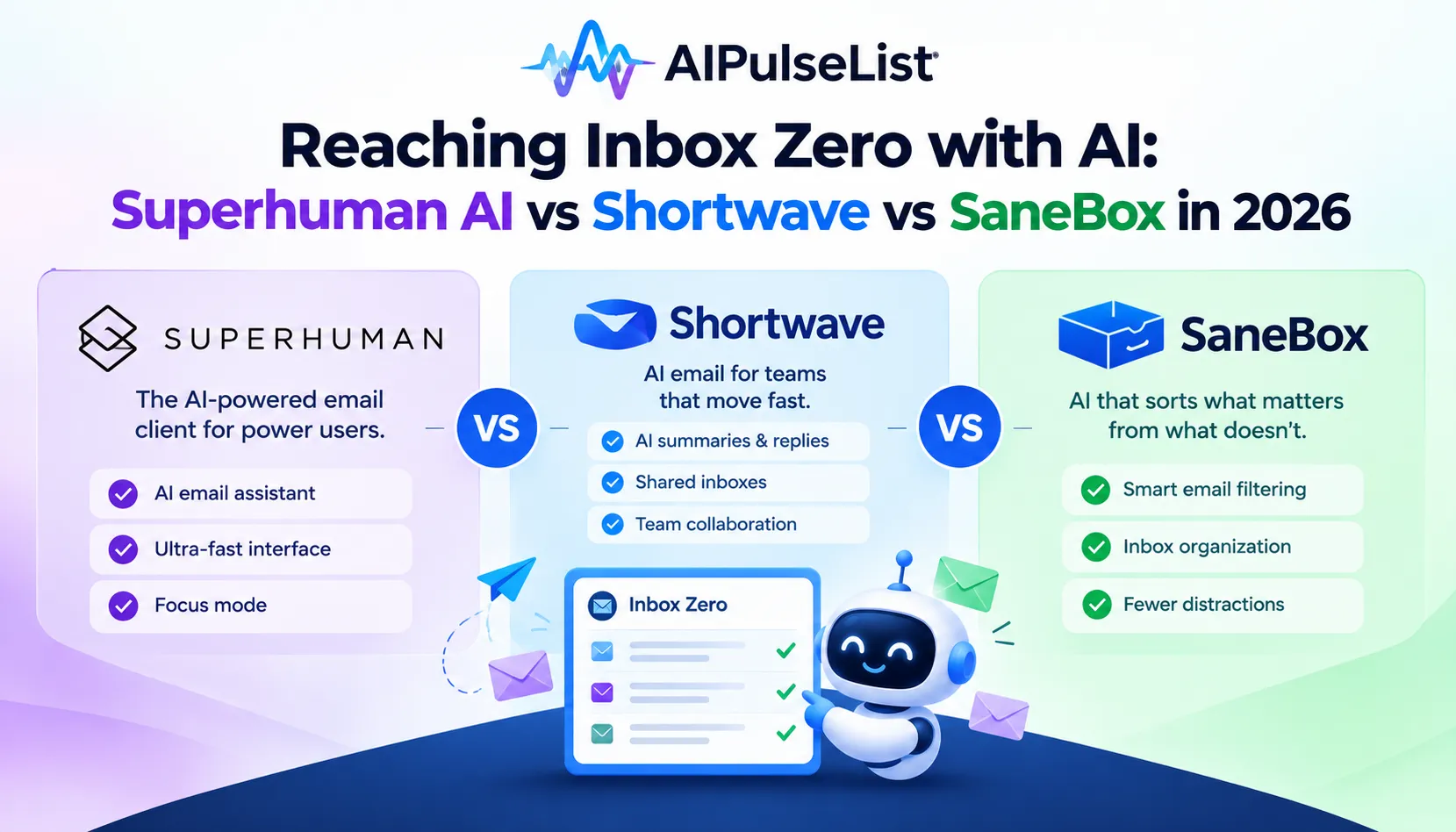
Modern AI-native email clients do not merely filter spam; they summarize thirty-message threads into two actionable bullet points, autonomously categorize emails by urgent commercial priority, and draft replies in your authentic personal voice with zero robotic clichés. In this comprehensive evaluation, we benchmark the three titans of the AI email revolution: Superhuman AI, Shortwave, and SaneBox.
💡 Pro-Tip for High-Output Professionals:
Explore our curated directory of AI Email & Communication Tools and discover game-changing assistants designed to safeguard your focus hours.
What Makes an Email Tool Truly "AI-Native"?
Adding a basic GPT wrapper that generates three sentences when you press a button does not constitute an AI email client. In 2026, true AI email architecture requires four foundational capabilities:
- Holistic Thread Synthesis: The ability to read lengthy, fragmented email chains spanning multiple participants, extract consensus decisions, and highlight unanswered action items directed specifically at you.
- Voice & Stylometry Mimicry: Learning your genuine vocabulary, sentence structure, greeting preferences, and signature sign-offs over months of sent emails so that drafts sound unmistakably like you.
- Predictive Priority Triage: Distinguishing between a time-sensitive contract approval from your board of directors and a low-priority promotional update from an enterprise vendor.
- Natural Language Mailbox Search: Querying your archive in plain English (e.g., "Find the tax invoice for the Austin hotel from last October") and receiving the exact PDF attachment instantly.
1. Superhuman AI: The Speed and Prestige Standard
Superhuman built its legendary reputation on keyboard shortcuts, sub-100-millisecond interface latency, and executive prestige. In 2026, Superhuman AI seamlessly embeds artificial intelligence into this blazing-fast workflow without interrupting muscle memory.
Standout Features:
- Instant 1-Line Drafts: You type three words like "Accept Tuesday 2pm," and Superhuman AI expands it into a cordial, professional email referencing the sender's previous message context.
- Instant Summary Overviews: When opening any thread with more than three replies, a clean 2-sentence summary banner appears above the email, allowing you to understand the conversation before reading a single line.
- Split Inbox Autopilot: Intelligently segments your mail into "VIP," "Team," "Newsletters," and "Automations" with 98% accuracy based on sender interaction history.
Verdict: Superhuman remains the gold standard for venture-backed founders, C-suite executives, and sales leaders where communication speed translates directly into deal velocity. Pricing is premium ($30/month), but the time reclaimed pays for itself within two days.
2. Shortwave: The Intelligent AI Workspace
Founded by former Google engineers who built Firebase and Google Inbox, Shortwave has arguably built the most technologically sophisticated generative intelligence layer in the entire email space. Operating on both Gmail and modern enterprise suites, Shortwave treats your inbox as a real-time collaborative workspace.
Standout Features:
- Full Mailbox AI Assistant: A persistent sidebar assistant that has indexed your entire email history. You can ask: "What did Sarah say our Q3 gross margins were?" and it retrieves the exact data with cited links to original emails.
- Autonomous Meeting Scheduling: The AI can coordinate meeting times across multiple participants, check calendar conflicts, and send out calendar invites automatically.
- Ghostwrite & Personality Tuning: Provides granular sliders to adjust the assertiveness, warmth, and brevity of every generated draft.
Verdict: Shortwave is our top recommendation for product managers, software engineers, and digital agencies who want their email client to function as an active second brain and research assistant.
3. SaneBox: The Zero-Friction Platform-Agnostic Triage Bot
Unlike Superhuman and Shortwave, which require switching to their custom desktop and mobile client interfaces, SaneBox works silently in the background on top of any email client—including Apple Mail, Microsoft Outlook, Thunderbird, and webmail.
Standout Features:
- SaneLater & SaneNews Folders: Algorithmic server-side filtering that sweeps non-urgent mail out of your main inbox into digest folders, ensuring you only receive notifications for critical correspondence.
- SaneBlackHole: Drop any annoying sender's email into the BlackHole folder, and you will never see a message from that domain again—no unsubscribe links or spam reports needed.
- Daily Digest Bulletins: Sends a clean summary once or twice a day summarizing everything diverted from your main view, allowing batch triage in under three minutes.
Verdict: SaneBox is the ideal solution for corporate enterprise employees bound by IT compliance policies who must remain on Microsoft Outlook, but still demand intelligent automated filtering.
Head-to-Head Feature Comparison
| Feature Capability | Superhuman AI | Shortwave | SaneBox |
|---|---|---|---|
| Works with Any Client (Apple/Outlook) | No (Custom app) | No (Custom app/web) | Yes (100% Client Agnostic) |
| Full Mailbox Semantic RAG Search | Partial | Industry Best | No |
| Automated Thread Summarization | Instantaneous 1-click | Deep multi-point notes | Daily Digest only |
| Personalized Voice Mimicry | Excellent | Exceptional (Configurable) | N/A (No drafting engine) |
| Pricing Starting Tier | $30 / month | Free / $8.50 / month | $7 / month |
Security & Privacy: What Happens to Your Confidential Emails?
Granting an AI platform access to your email inbox requires uncompromising scrutiny regarding data governance. When evaluating any AI email assistant, demand verification on the following four security standards:
- Zero Model Training on User Data: Ensure the vendor explicitly guarantees that your emails, attachments, and recipient headers are never used to train or fine-tune public foundation models.
- SOC 2 Type II Compliance: Independent third-party validation that the company maintains strict access controls, encryption at rest (AES-256), and encryption in transit (TLS 1.3).
- Ephemeral Inference: AI queries should be processed in volatile memory with zero persistent logging of sensitive personal identifiers (PII).
The 15-Minute Daily Email Routine
By combining an AI-native client with disciplined communication habits, you can conquer your inbox in just fifteen minutes each morning:
- Minute 0–3: Open your AI summary feed and archive all non-actionable transactional receipts, newsletters, and system notifications in one click.
- Minute 3–8: Triage VIP correspondence. Use prompt expansion (e.g., "Confirm receipt, confirm attendance, ask for updated slide deck") to dispatch draft replies in seconds.
- Minute 8–13: Delegate actionable tasks to your project management tool (Linear, Asana, Notion) directly via email integrations.
- Minute 13–15: Close your email application entirely and protect your uninterrupted deep-work focus blocks for the remainder of the business day.
The Bottom Line
Email overload is not an unavoidable fact of modern professional life; it is an obsolete organizational bottleneck. By deploying modern AI email assistants, you transform your inbox from a stressful source of anxiety into an organized, automated communication hub that serves your priorities rather than consuming them.
