

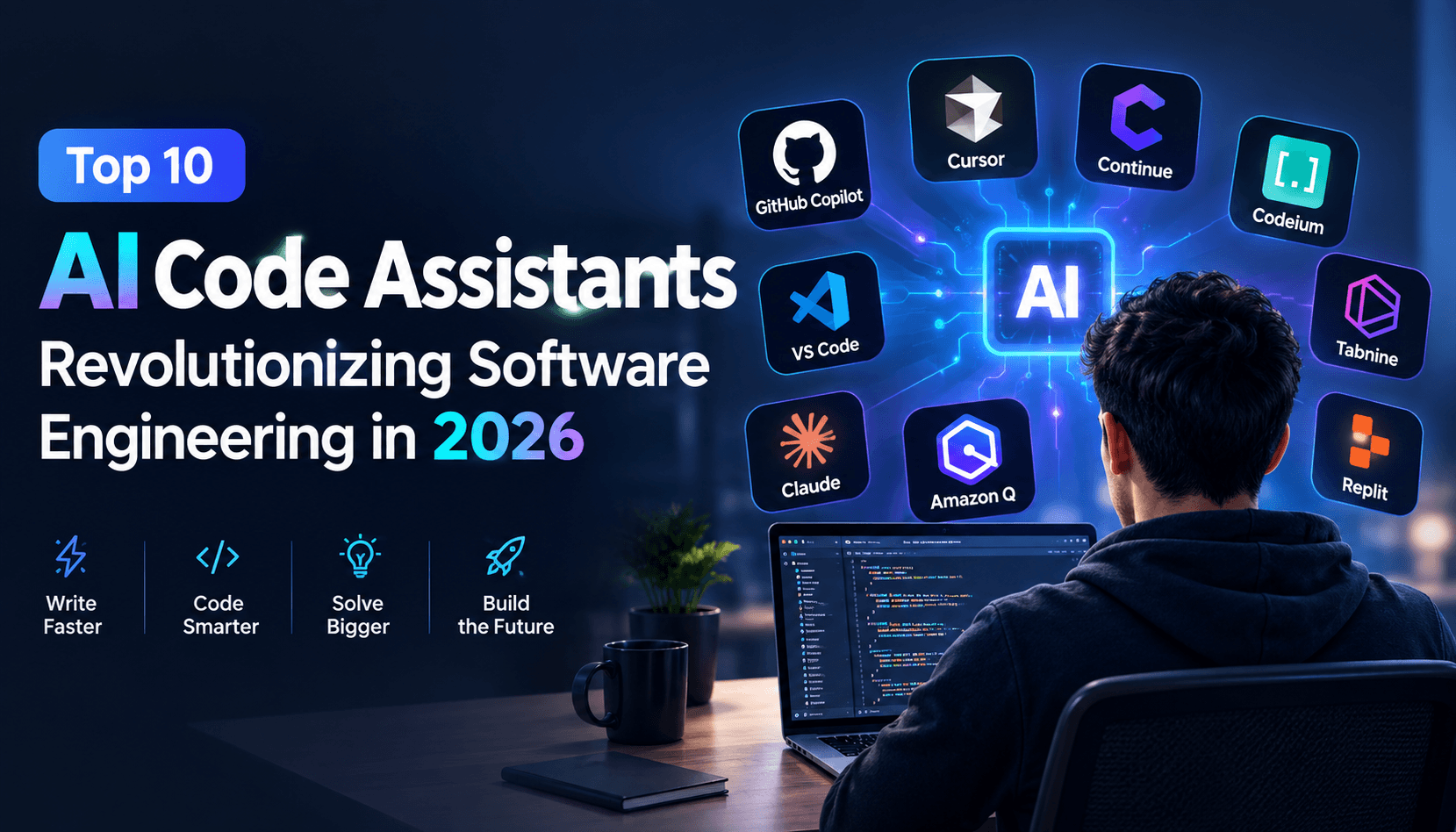
Software engineering is experiencing its most radical transformation since the transition from punch cards to high-level programming languages. In 2026, artificial intelligence coding tools have progressed from simple single-line autocompletions to autonomous development partners capable of reasoning across multi-gigabyte repositories, planning architectural migrations, executing unit tests, and self-healing runtime exceptions.
1. The Paradigm Shift: From Autocomplete to Autonomous Agents
For the past five years, developer tools relied primarily on next-token prediction algorithms. While helpful for boilerplate loops and regex formulas, these early models lacked global codebase awareness. Today’s premier assistants operate through three distinct layers:
- Global Vector Codebase Indexing: The assistant parses your entire git history, symbol tables, and AST (Abstract Syntax Tree) representations, ensuring every code suggestion adheres to existing architectural design patterns.
- Multi-File Synthesizers (Composer Architecture): Rather than editing one isolated file, modern tools can edit 10 files simultaneously—updating database schemas, adjusting backend API endpoints, modifying frontend TypeScript interfaces, and adding unit tests in a single continuous transaction.
- Terminal & Execution Self-Healing: Equipping the AI with access to the execution environment allows it to run npm test, inspect stderr stack traces, and iteratively rewrite code until all test suites pass.
2. Comprehensive Benchmark Evaluation Matrix
To provide an unbiased assessment for engineering leads and individual developers, our editorial team evaluated the top 10 programming assistants across four critical performance dimensions:
| Tool | Primary Architecture | Context Window | Multi-File Composer | Pricing Tier |
|---|---|---|---|---|
| Cursor AI | VS Code Fork + Vector Indexing | 200,000 tokens (Claude 3.5 Sonnet) | ⭐⭐⭐⭐⭐ (Industry Standard) | Freemium ($20/mo Pro) |
| GitHub Copilot | IDE Extension (Multi-IDE) | 128,000 tokens (GPT-4o) | ⭐⭐⭐⭐ (Copilot Workspace) | Paid ($10/mo Individual) |
| Bolt.new | In-Browser WebContainers | Full Application Context | ⭐⭐⭐⭐⭐ (Autonomous Fullstack) | Freemium ($20/mo Pro) |
| Replit Agent | Cloud IDE Autonomous Agent | Cloud Project Workspace | ⭐⭐⭐⭐⭐ (End-to-End Delivery) | Paid ($25/mo Replit Core) |
| Aider AI | Open-Source CLI Terminal | Model Dependant (BYO Key) | ⭐⭐⭐⭐ (Automated Git Commits) | 100% Free / Open Source |
| Claude 3.5 Sonnet | Browser Artifacts Canvas | 200,000 tokens | ⭐⭐⭐⭐ (Single-File / Component) | Freemium ($20/mo Pro) |
| v0 by Vercel | Generative React/Tailwind UI | Full Component Scope | ⭐⭐⭐⭐ (Frontend Prototyping) | Freemium ($20/mo Pro) |
| Tabnine | Local / Private Cloud VPC | 32,000 tokens | ⭐⭐⭐ (Privacy & Security Focus) | Freemium ($12/mo Pro) |
| DeepSeek Coder V2 | Open Weights (MoE) | 128,000 tokens | ⭐⭐⭐⭐ (Superb Algorithm Logic) | Open Weights / Low-cost API |
| Phind Developer Search | Web Crawler + Fine-tuned LLM | 32,000 tokens | ⭐⭐⭐ (Pair Programmer Terminal) | Freemium ($20/mo Pro) |
3. Deep-Dive Analysis of the Top 5 Engineering Tools
Cursor AI: The Pro Programmer’s Default Weapon
Built as a native fork of VS Code, Cursor maintains 100% compatibility with your existing extensions, themes, and keybindings while introducing local vector codebase indexing. Its flagship feature, Composer (invoked via Ctrl+I), acts as an autonomous pair programmer capable of orchestrating multi-file refactors. Developers report 2x to 3x productivity increases on complex full-stack web and mobile apps.
Bolt.new: Zero-Setup Full-Stack Web App Scaffolding
Powered by StackBlitz’s WebContainers technology, Bolt.new runs a complete Node.js operating environment directly inside your web browser. You can describe an entire application concept—such as a real-time collaborative whiteboard or an e-commerce dashboard with Stripe checkout—and Bolt will generate the file hierarchy, install npm dependencies, compile Vite, and execute the server in a live preview pane in under 90 seconds.
GitHub Copilot: The Ubiquitous Enterprise Veteran
Backed by Microsoft and OpenAI, GitHub Copilot remains the easiest assistant to deploy across diverse enterprise teams. It integrates into Visual Studio, VS Code, JetBrains IDEs, and Neovim. Its terminal integration translates plain English instructions into complex bash and PowerShell commands, and its Pull Request summarizer accelerates code review cycles across large engineering organizations.
Aider: The Open-Source CLI Powerhouse
For developers who demand terminal minimalism and zero vendor lock-in, Aider is the ultimate tool. Operating directly in your terminal, it connects with your local Git repository, builds a comprehensive tree-sitter symbol map, and applies multi-file edits with automated, descriptive Git commits that make code rollback effortless.
4. Best Practices for Maximizing AI Coding Output
- Spec-Driven Development: Always draft an architectural markdown file detailing data schemas, API routes, and edge cases before prompting the AI to generate code.
- Modular Architectural Hygiene: Break large monorepos into clean, modular components with typed interfaces to ensure the assistant pulls the exact symbol context required without token exhaustion.
- Automated Test Coverage: Instruct the AI to generate comprehensive unit tests (Jest, Vitest, PyTest) alongside functional code to catch subtle algorithmic edge cases immediately.
5. Final Recommendations & Future Outlook
In 2026, the question is no longer whether software engineers should use AI assistants, but which combination of tools provides the greatest leverage. For full-stack application development, pairing Cursor for local editing with Bolt.new for initial scaffolding and DeepSeek for low-cost automated testing represents the gold standard workflow.